Prioritise larger mailboxes
Use storage-size findings, severity bands and the Top 10 largest mailboxes to focus attention where it matters.
Microsoft 365 mailbox health intelligence.
MailboxVitals turns current mailbox metadata into a clear view of inventory, storage-size indicators and priority findings, with executive-ready reporting, supporting evidence and practical next actions.
Evidence before action. Safe, read-only assessment with admin-controlled next steps.
Fictitious data for illustration only
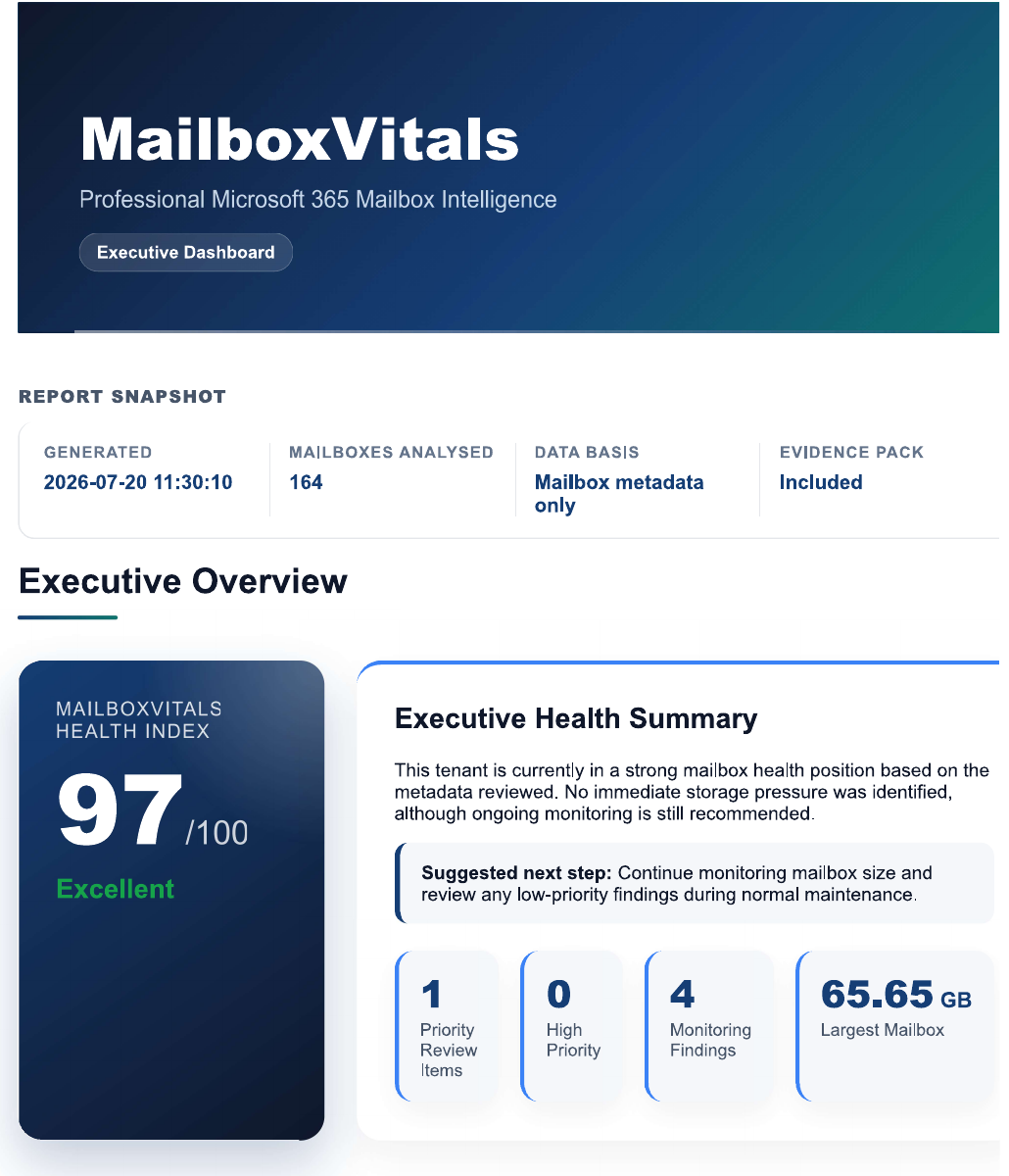
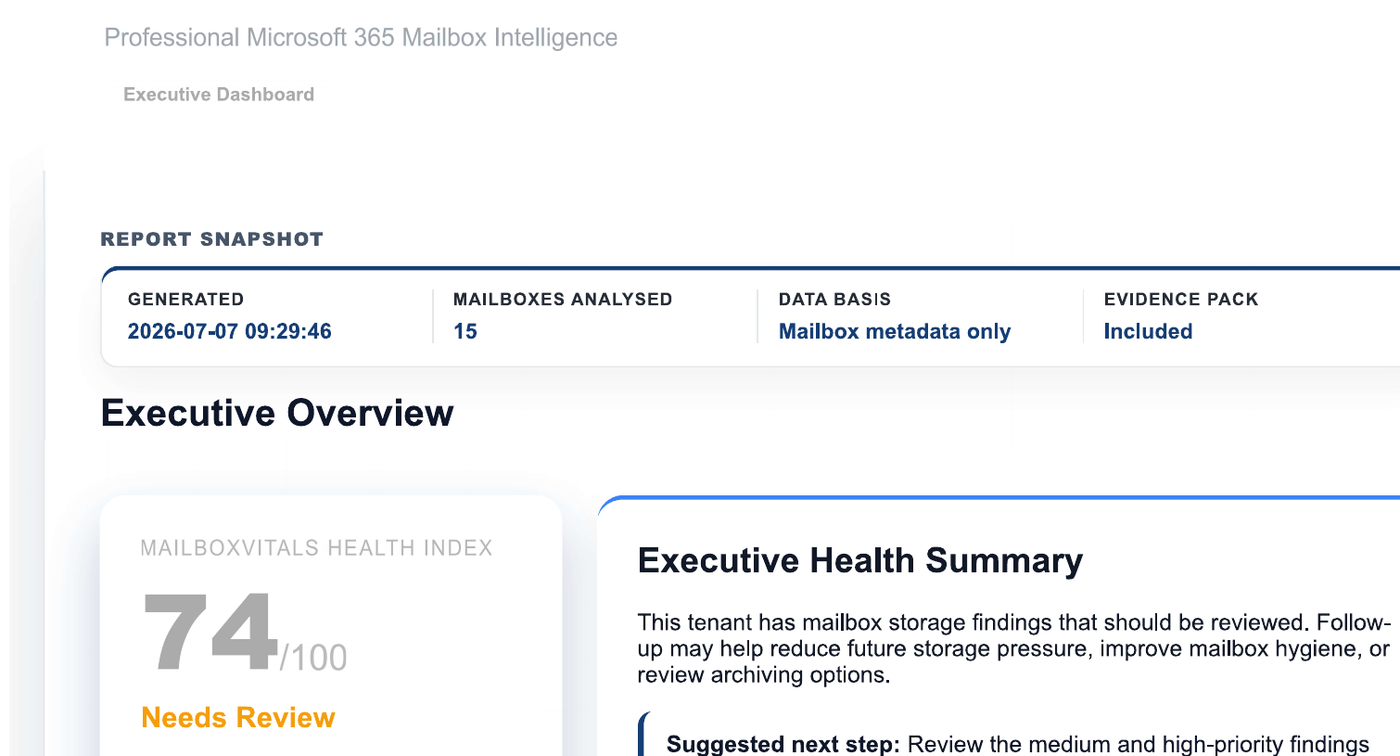
Real report output
These anonymised demo reports show how the same clear format makes strong performance and priority findings easy to understand.
A valuable first step
Get a practical view of mailbox inventory, storage-size indicators and priority findings, ready to support your next Microsoft 365 decision.
From data to decisions
MailboxVitals combines inventory, mailbox type, size and item-count evidence into consistent reporting that helps teams see what deserves attention first.
Use storage-size findings, severity bands and the Top 10 largest mailboxes to focus attention where it matters.
Give stakeholders a storage-driven Health Index, executive summaries and practical recommendations in a consistent format.
Support the branded executive PDF with a metadata-only CSV Evidence Pack and traceable run details.
Free snapshot
The free snapshot turns read-only mailbox metadata into prioritised findings, executive reporting and practical recommendations you can use to plan next steps.
See what is includedSafe by design
MailboxVitals uses current mailbox metadata to build a clear evidence base. Larger-mailbox findings can help administrators decide whether a separate archive, retention, licensing, clean-up or migration discussion is appropriate.
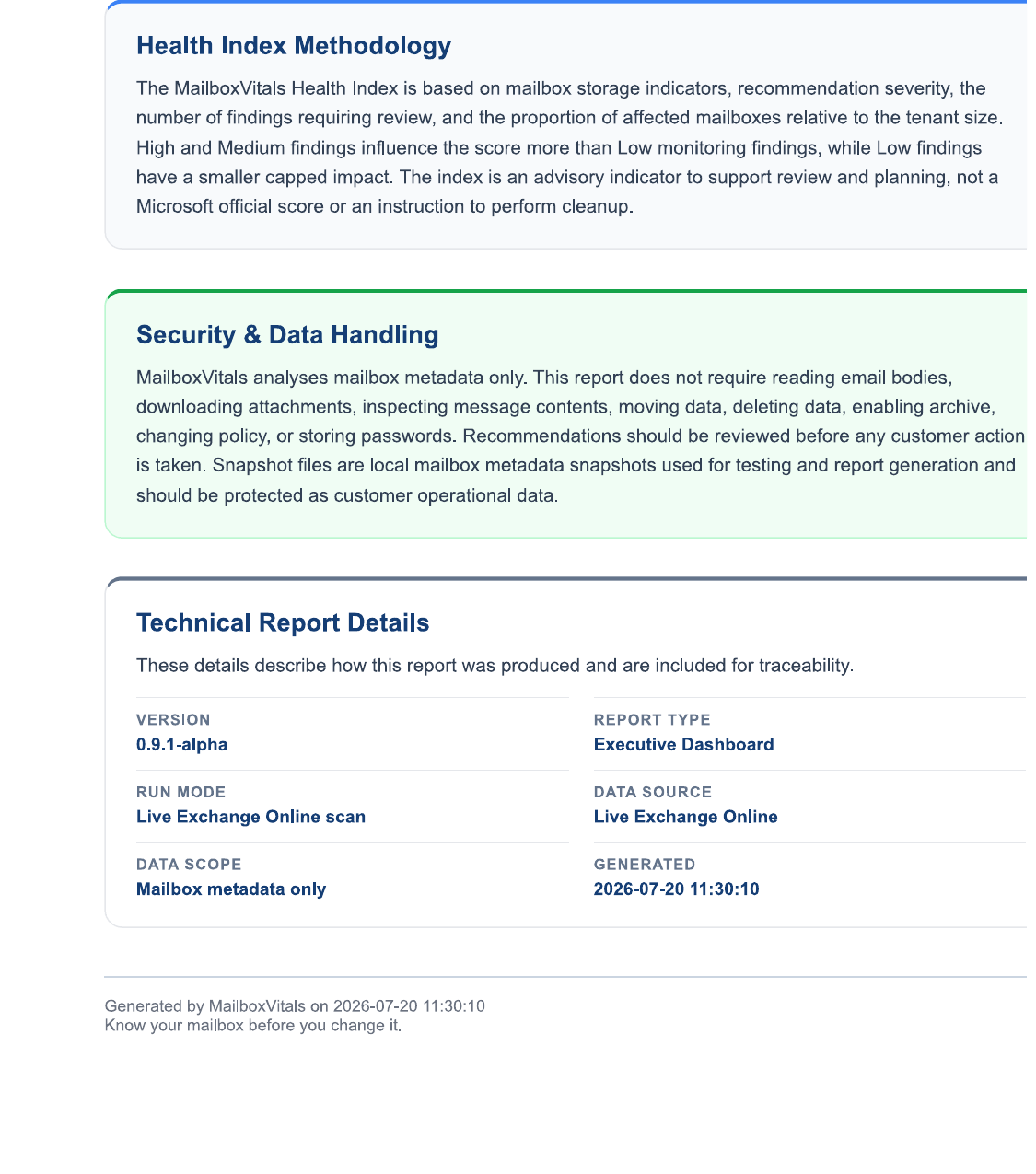
Mailbox health snapshot
A practical first view of mailbox inventory, storage-size indicators and priority findings—with executive-ready reporting and evidence for safer Microsoft 365 decisions.