Sample report

See mailbox health evidence clearly.

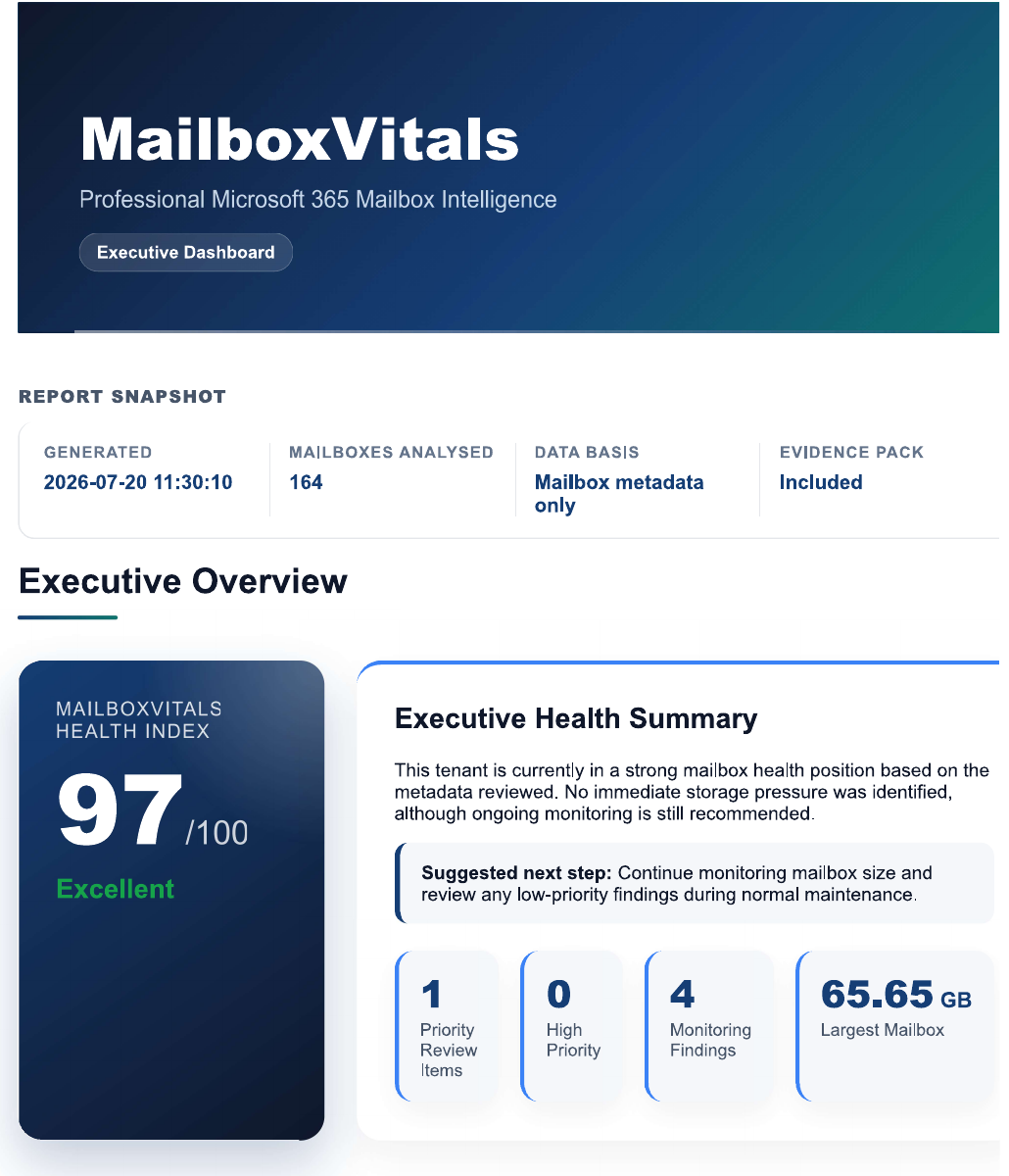
This sample shows how MailboxVitals presents priority storage signals, supporting evidence and practical next actions for confident Microsoft 365 decisions.

Anonymised examples · Fictitious demo data · Administrator-controlled next steps

Tenant summary

Example tenant health overview

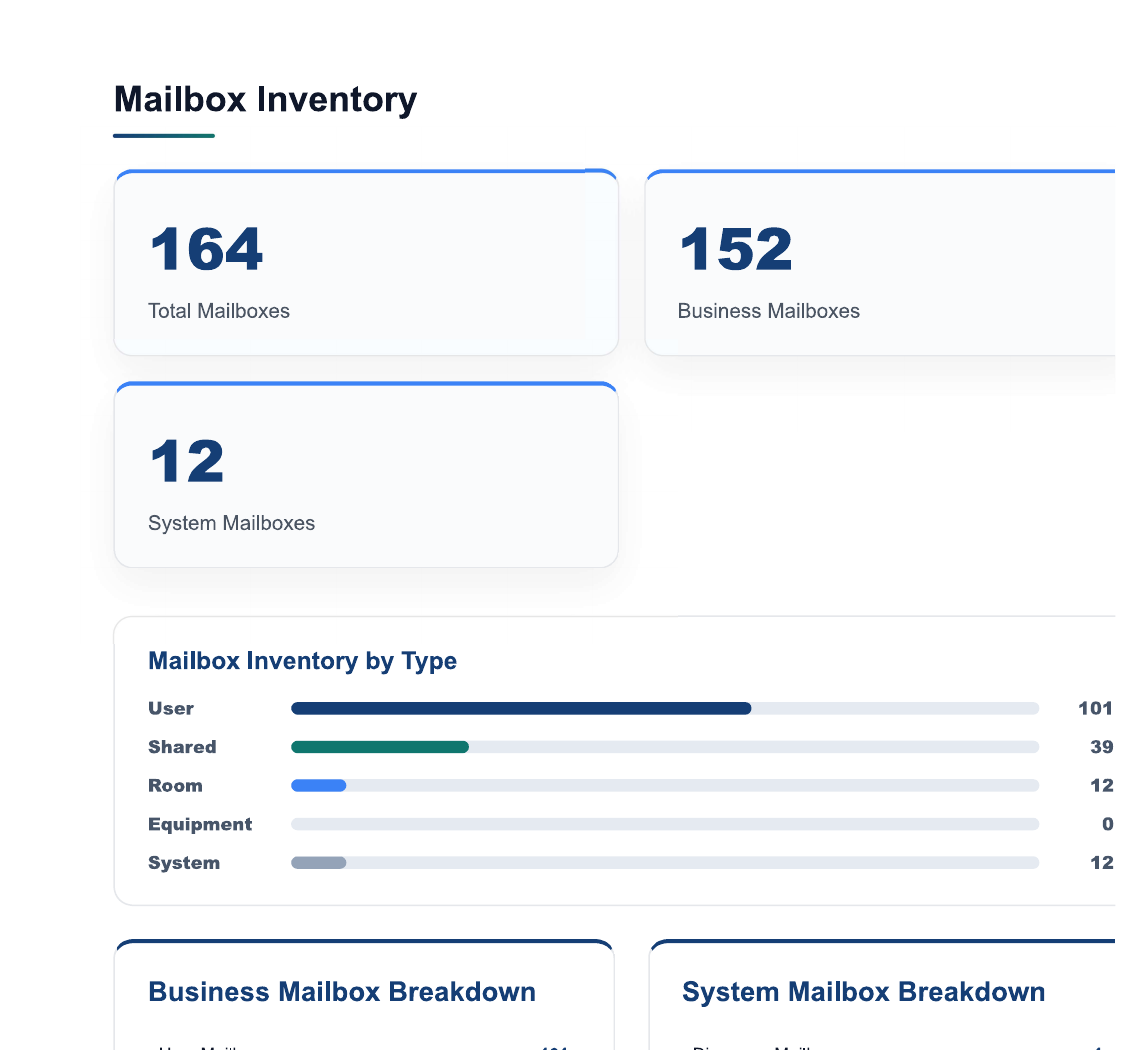
Mailboxes reviewed25
Largest mailbox88 GB
Archive pressureMedium
Attachment signalsHigh

Top findings

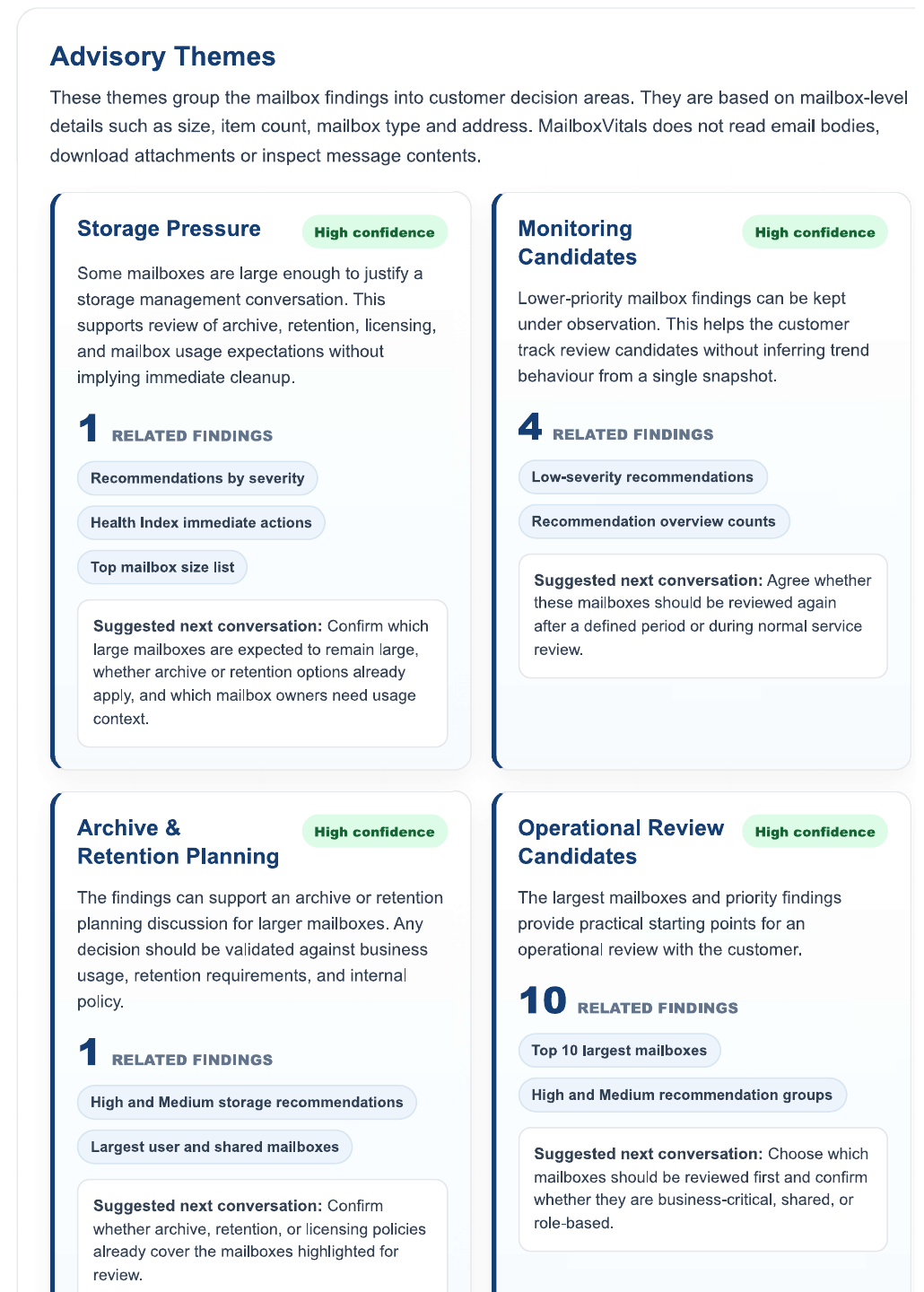
  • Three users account for a large share of mailbox storage.
  • Several archives show signs of unmanaged growth.
  • Large attachment patterns may be worth deeper review.
  • SharePoint readiness is an important input to future offloading plans.

Recommended next steps

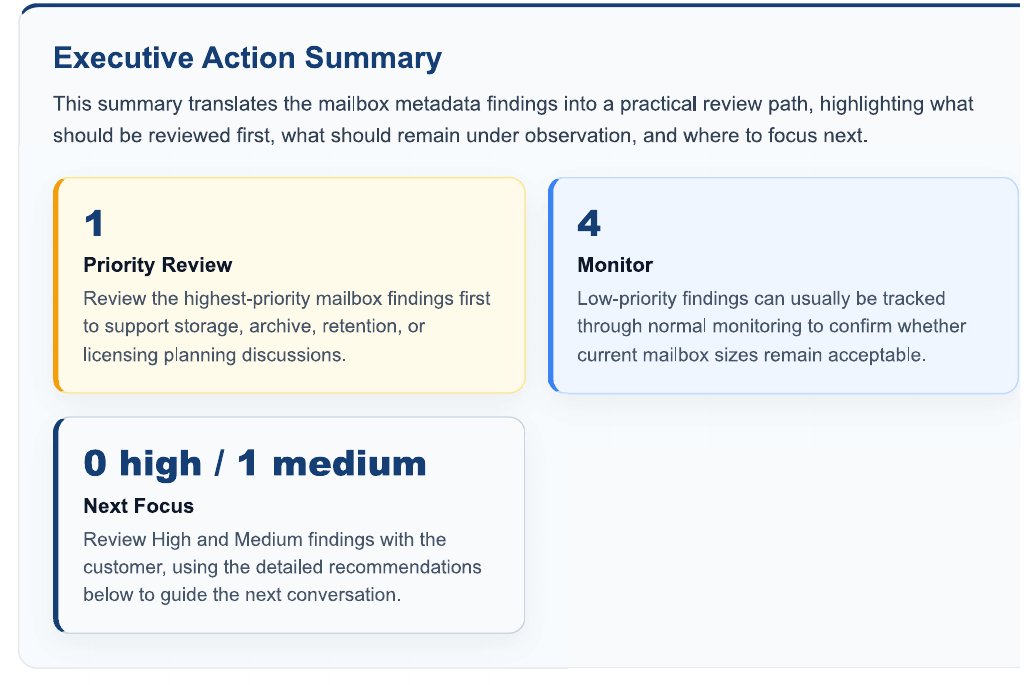
  • Review the top storage-heavy mailboxes.
  • Check archive and retention policy assumptions.
  • Assess future attachment optimisation opportunities.
  • Confirm destination storage capacity and ownership.

Safe, useful insight

Evidence for practical next steps.

The snapshot gives administrators a metadata-led view of where to focus, with evidence for safe review and recommendations that keep every action under admin control.

Ready for stakeholder conversations

Clear summaries and prioritised findings help IT teams and MSPs explain mailbox health, storage pressure and recommended actions to decision-makers.

Mailbox health snapshot

Get a free mailbox health snapshot.

A practical first view of mailbox health, storage pressure and priority risks — designed for safe, evidence-backed Microsoft 365 decision-making.

Request free snapshot