Start with a practical snapshot
Surface priority storage-size findings across one customer tenant, including the largest mailboxes and a focused Priority Mailbox Review.
For MSPs
MailboxVitals turns Microsoft 365 mailbox metadata into clear, customer-friendly assessments, helping MSPs reduce manual reporting and lead evidence-backed conversations.
Read-only · Customer-ready evidence · Admin-controlled next steps
Surface priority storage-size findings across one customer tenant, including the largest mailboxes and a focused Priority Mailbox Review.
Use a readable executive PDF and supporting Evidence Pack to explain current mailbox size findings and recommended follow-up.
Use larger-mailbox findings to decide whether separate retention, archive, licensing or clean-up conversations are appropriate.
Customer-ready evidence
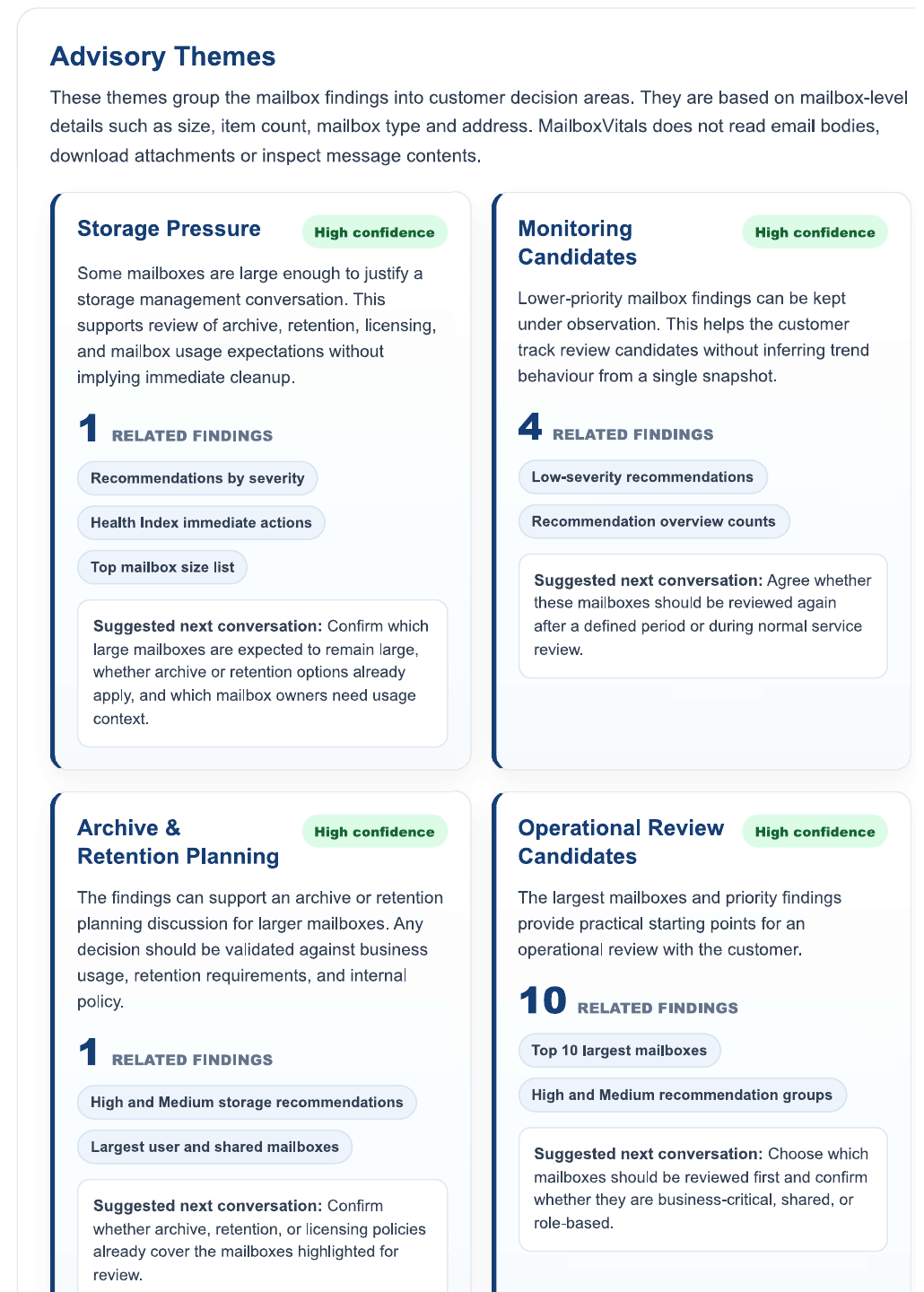
These anonymised demo visuals show the polished evidence MSPs can use to support clear, informed customer conversations.
Mailbox Health Assessment
Mailbox detail
Selected because this is the largest mailbox in the current assessment snapshot.
This focused review uses mailbox-level metadata already available to the tenant report.
Mailbox Health Assessment
Priority finding
Review mailbox usage and consider whether Online Archive or retention options are appropriate.
Mailbox is over 90 GB.
Helps reduce the risk of mailbox storage limits becoming an operational issue.
Available now
Package a read-only mailbox assessment that customers can understand, based on current metadata and storage-size indicators.
Mailbox health snapshot
A practical first view of mailbox inventory, storage-size indicators and priority findings—with executive-ready reporting and evidence for safer Microsoft 365 decisions.